How to Fix Google AdSense "Low Value Content" Rejection (2026 Action Plan)
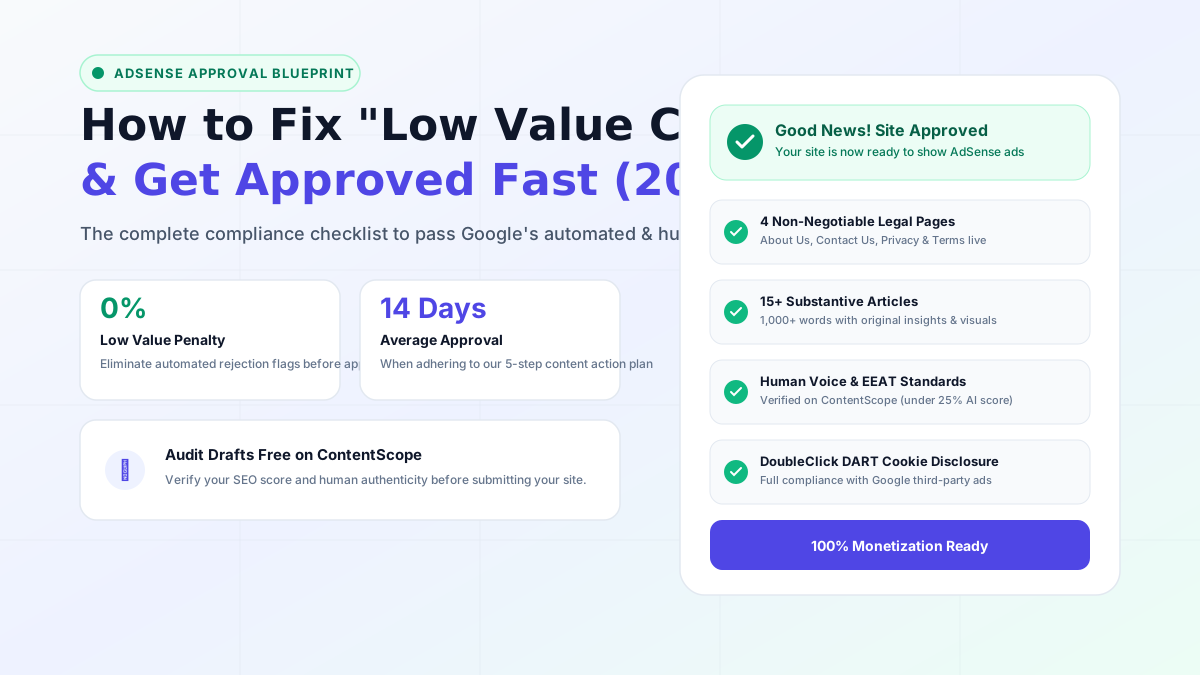
Few emails are more discouraging to a web publisher than opening their inbox and reading: "Your site isn't ready to show ads. We've found some policy violations: Low value content."
Google AdSense is the primary monetization lifeline for independent creators. But because over 100,000 new sites apply every month, Google has raised its approval bar to unprecedented levels. In this comprehensive guide, we show you exactly why this rejection happens and the step-by-step action plan to overturn it.
What Does Google Actually Mean by "Low Value Content"?
Google's official Publisher Policies define low value content through three distinct lenses:
- Lack of Original Value-Add: Summarizing or rewriting existing Wikipedia or top-ranking articles without introducing unique data, personal experiments, or novel insights.
- Thin Article Length: Having dozens of short, 300-word posts that provide superficial surface answers.
- Robotic AI Cadence: Bulk AI articles published without human editorial refinement, proper formatting, or fact-checking.
The 5-Step Action Plan to Fix Your Site and Pass Review
Step 1: Check and Complete the Four Essential Legal Pages
Google's manual quality reviewers will reject any site that lacks publisher transparency. Verify that your site features:
- About Us Page: State your real name (e.g., Rahul Kumar), your physical location (e.g., Patna, Bihar, India), your editorial mission, and why readers should trust you. (See our About Page for an ideal blueprint).
- Contact Us Page: Include a functioning contact form and a direct, monitored email address.
- Privacy Policy: Explicitly mention Google, DoubleClick DART cookies, and advertising disclosures.
- Terms of Service & Disclaimer: Limit liability and demonstrate commercial legitimacy.
Step 2: Reach the 15-Post Content Quality Threshold
Do not apply with 5 or 6 articles. Publish at least 15 to 20 substantive guides of 1,000+ words each. Every article must feature:
- A single, clear H1 headline.
- At least 3 to 5 descriptive H2 subheadings.
- Helpful bullet points, numbered steps, or comparative tables.
- At least one relevant custom graphic, diagram, or annotated screenshot.
Step 3: Remove Broken Links and Empty Categories
If your WordPress navigation menu has a category named "Tutorials" that only has one post, or an empty tag archive, Google reviewers will flag your website as "Under Construction". Ensure every menu link leads to a robust page with content.
Step 4: Audit Every Draft on ContentScope
Before reapplying for AdSense, run every single post on your site through ContentScope's Free Checker. Ensure that:
- Overall SEO Health Score is 75 or above.
- AI content likelihood is under 30%.
- All flagged weak points and run-on sentences are updated using the tool's Actionable Rewrites.
Step 5: Wait 14 Days Before Reapplying
Do not reapply 10 minutes after receiving a rejection. Make all your content improvements, request indexing in Google Search Console, confirm that your site is receiving organic impressions, and wait 14 days before clicking the "Request Review" button.
Follow this exact blueprint, and your website will easily earn Google AdSense approval!
Ready to check your own content?
Get a free AI-powered SEO analysis with actionable fix suggestions.
Try the Free SEO Checker